It’s one of the questions we get asked most, usually by someone who’s just finished the free trial period and is wondering what else their £400-odd board can do. So here’s the plain-English version, no jargon.
The short answer
Yes. Omni ships with Target’s DartCounter app. OCHE Games also connects to Omni over your home Wi-Fi, so you can use your Omni with OCHE’s full games library as well as DartCounter. You don’t need to change anything on the board, and you don’t have to choose one or the other.
How Omni actually works
The Omni is a ring of four HD cameras and an LED light that fits round a normal steel-tip board, plus a processing unit that works out where each dart landed. That unit joins your Wi-Fi (the manual lists both 2.4 GHz and 5 GHz networks, ManualsLib) and sends each dart to an app.
So the board itself doesn’t play games. It just knows, very precisely, where your darts are. The app on your phone, tablet or TV turns that into 501, Cricket or a horse race. Which means the same board can feed more than one app.
DartCounter: the app in the box
When you first set up an Omni, you do it through DartCounter: Smart Devices, Add Device, Target Omni, with the hotspot light flashing blue while it pairs (DartCounter’s setup guide). DartCounter is a solid scoring app with X01, Cricket, Around the Clock, Killer and a DartBot (App Store).
The Omni box includes a three-month DartCounter trial (John Lewis); Dartshopper notes that Premium becomes a paid subscription after the free months (Dartshopper). That’s not a criticism, it’s just worth knowing before the trial runs out.
OCHE Games: the other app
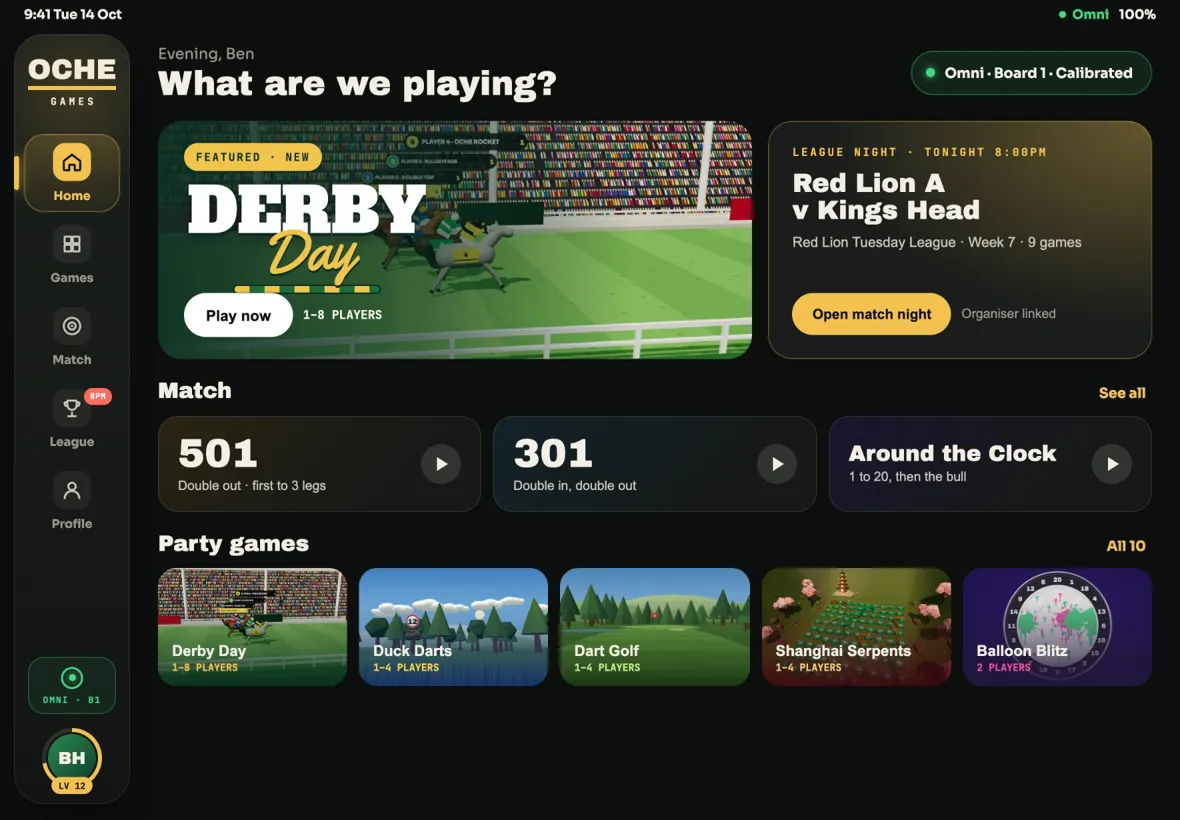
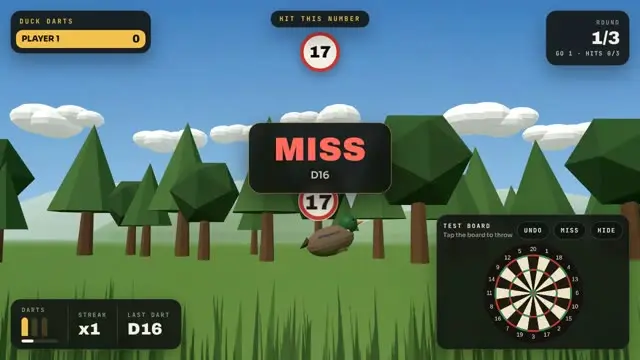
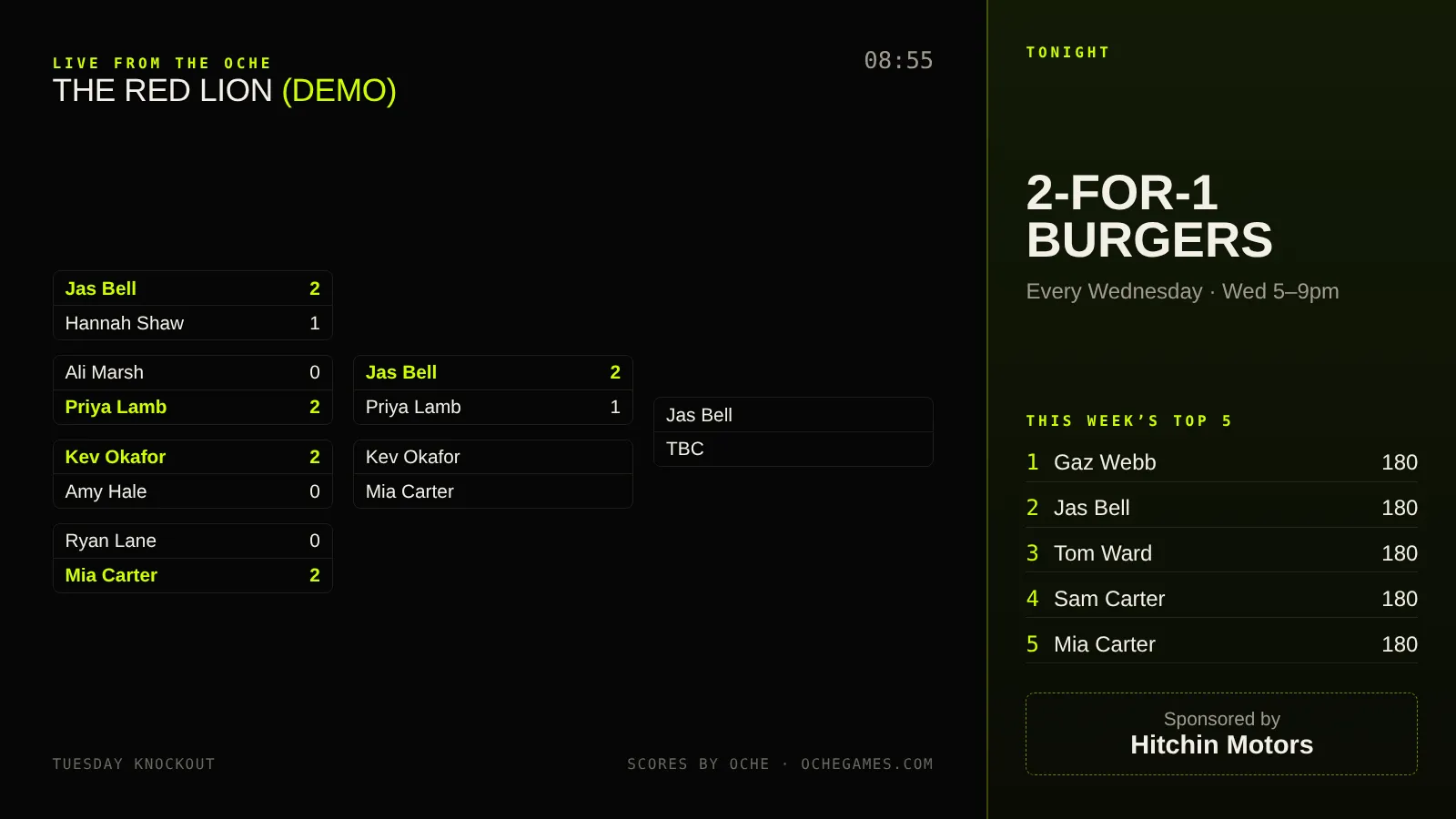
OCHE is a separate app. It connects to the Omni over the same home Wi-Fi, and then you get over 30 interactive darts games, training with every dart logged, free league software and the Pub to Pro career mode.
- Download OCHE GamesOn your phone, tablet or Fire TV. It runs on iPhone, iPad, Android, desktop and Fire TV.
- Same Wi-FiMake sure your Omni is on the same Wi-Fi network as the device running OCHE.
- Connect boardTap Connect board and choose Omni. Nothing to open up, nothing to install on the board.
- ThrowPick a game and throw. Your darts are the controller.
| DartCounter | OCHE Games | |
|---|---|---|
| Comes with the Omni | Yes | No, download separately |
| How it connects | Wi-Fi | Wi-Fi |
| Changes to the board | – | None |
| Best at | Scoring, stats, online X01 | Interactive games, family and pub play, leagues |
| Other ways to score | See DartCounter | Scolia, Unicorn SEER, OCHE camera ring, phone camera (beta), voice, manual |
| Devices | iOS, Android and more | iPhone, iPad, Android, desktop, Fire TV |
| Price | Free app with paid plans |
Can I use both?
Yes. Using OCHE doesn’t change anything on the board, so DartCounter still works exactly as it did. Plenty of people use DartCounter for their online X01 and OCHE for family nights and party games.
It says connected, but the app can’t find it
This is the most common Omni gripe online, and it’s nearly always the network. Work through these in order:
- Same network. Your phone or Fire TV must be on the same Wi-Fi as the Omni. Guest networks and Wi-Fi extenders with a different name are the usual culprits.
- Power-cycle. Turn off the Omni and your router, wait a minute, router on first, then the Omni.
- Update. Make sure the app and the Omni firmware are current. Firmware v1.1.0 added a Sensitivity setting and a Repair option for failed updates (DartCounter release notes).
- Light and reflections. Strong sunlight or a shiny surround can confuse any camera system. Camera systems in general misread a few darts in every thousand, mostly when darts are bunched (Dartshopper).
What about Scolia and Unicorn SEER?
OCHE works with those too. Scolia and SEER need a one-time setup: the board is opened once and the OCHE files go onto the SD card it already has, which also unlocks offline mode. The Omni is the easy one: nothing to open. If you’re weighing them up, read Omni vs Scolia vs Unicorn SEER.
No smart board at all?
You can still play. OCHE scores a plain board with your phone camera (in beta), by voice (say “Score”, then the score) or by tapping it in. And everyone ends up in the same match, whatever they’re throwing at.
Quick answers
Do I need to open my Omni to use another app?
No. OCHE connects to Omni over Wi-Fi. There’s no opening the board and no extra hardware.
Will using OCHE stop DartCounter working?
No. Nothing on the board changes, so DartCounter carries on as before. Use whichever app suits the game you’re playing.
Do I need Target Arcade to play games on my Omni?
No. OCHE Games is a separate app that works with Omni on its own. More on Arcade in the Target Arcade games list.
Which devices can I use?
OCHE runs on iPhone, iPad, Android, desktop and Fire TV. A popular setup is scoring on a phone by the board with the game on the TV.
Can my kids play too?
Yes. With the aim-meter mode they play on an iPad in the same game as you on the real board, with no darts in little hands. Kids play free on your account.
Sources
- DartCounter: Target Omni auto-scoring setup guide
- John Lewis: Target Omni auto-scoring system
- Dartshopper: how does an auto-scoring system work?
- ManualsLib: Target Omni user manual
- DartCounter: Omni firmware v1.1.0 release notes
- DartCounter on the App Store (UK)
Facts and prices checked on 21 November 2026.