BETA OUT NOW · FIRE TV
9 SUPER FUN ARCADE GAMES ON YOUR FIRE TV
That work with your Omni
OCHE Games is live in beta on Fire TV. Connect your Omni and every dart lands on the biggest screen in the room. The beta is free.
OCHE
GAMES
Omni connected
▶ Play
{{ s.n }}
{{ s.l }}
GET THE BETA
ON YOUR FIRE TV IN FIVE STEPS
1. INSTALL WITH THE DOWNLOADER APP
In Downloader, type this code:
DOWNLOADER CODE
{{ dlCode }}
or the address {{ dlUrl }}
1
Install with the Downloader app
- Install the free Downloader app from the Fire TV app store.
- In Fire TV Settings → My Fire TV → Developer options, turn on Apps from Unknown Sources for Downloader. (No Developer options? Go to My Fire TV → About and press the select button on the device name 7 times.)
- In Downloader, enter {{ dlCode }} and press Go. When it finishes, choose Install, then Open.
- Installed OCHE Games before 28 October? Uninstall that one first (Settings → Applications → Manage Installed Applications). From now on it updates itself.
2
Sign in with your phone
- OCHE opens on a QR code. Scan it with your phone camera.
- Sign in on your phone (or create an account). The TV signs in by itself. No typing with the remote.
- Just want to play? Choose Keep playing as guest.
3
Free your Omni from other apps
The Omni sends darts to one app at a time. If Dart Counter or the Target app was connected, it can keep hold of the board.
- On every phone and tablet nearby, fully close Dart Counter and the Target app (swipe them away in the app switcher, don't just leave them).
- Power-cycle the Omni: unplug it for 10 seconds, plug it back in, wait for the lights to settle.
4
Connect the board
- Make sure the Fire TV and the Omni are on the same Wi-Fi (not a guest network).
- In OCHE, connect to your Omni when asked. It finds the board on the Wi-Fi.
- The board calibrates itself: when all four camera lights go green, throw a dart. It should appear straight away.
5
Using the remote
- Arrows move the gold highlight, the centre button selects, Back closes a panel or the game.
- The screen stays on while OCHE is open, so no screensaver mid-game.
- Board misread a dart? Use Edit in the game bar to put in the right one, or Undo.
?
Darts not coming through?
- It says OMNI in green but nothing scores: another app is holding the board. Do step 3 again, then press Calibrate in the game bar.
- Still nothing: power-cycle the Omni and the Fire TV, then open OCHE again.
- Tell us what happened: ben@benhogan.co.uk. Every report helps.
IN THE BETA
NINE GAMES. ONE BOARD.
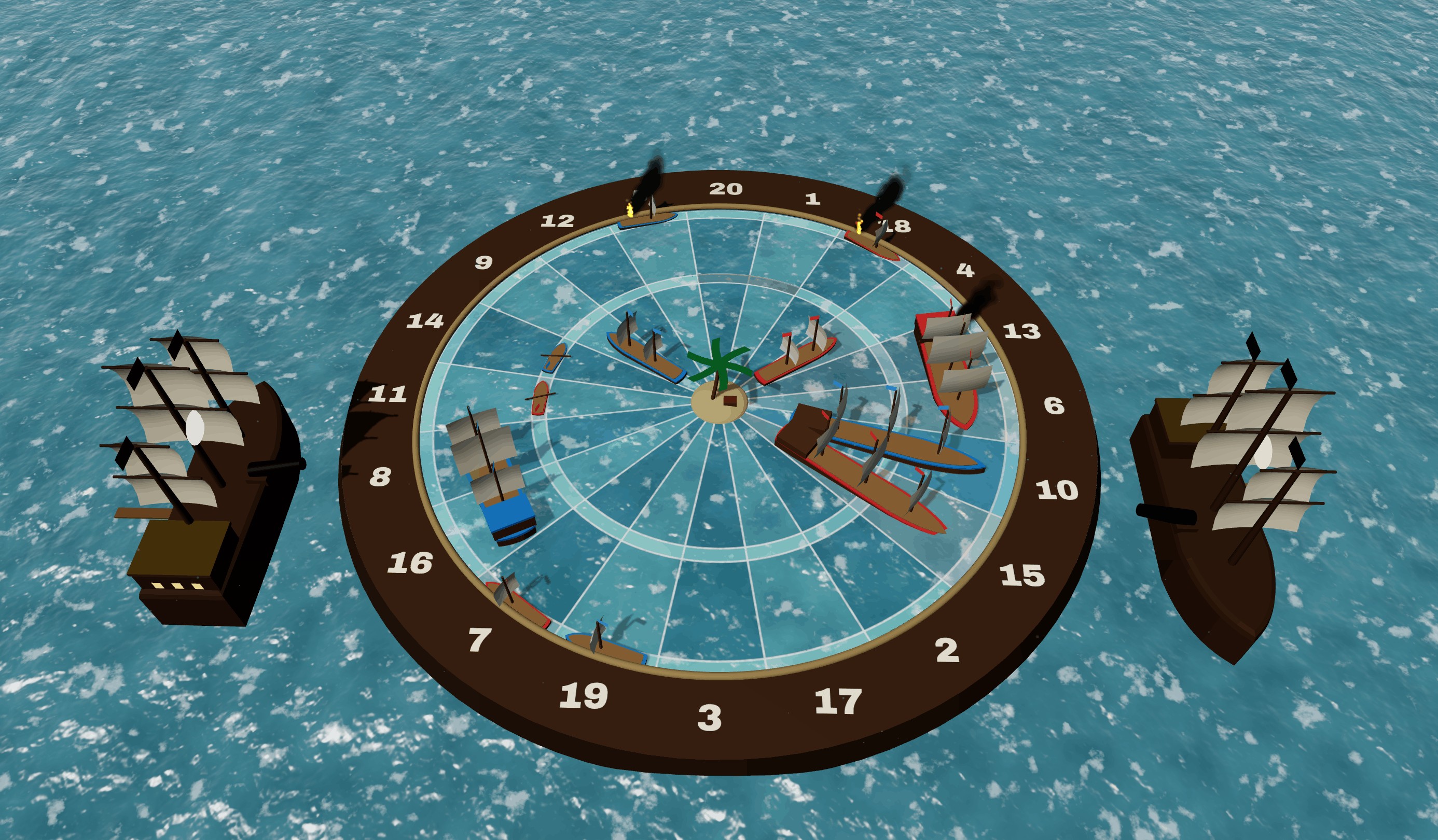
Plus proper 501, 301 and Around the Clock. Every game is built in 3D to be read from across the room.
BUILT FOR THE TV
FULLY COMPATIBLE WITH THE OMNI
{{ f.t }}
{{ f.b }}
YOU'RE EARLY
TELL US WHAT YOU THINK
This is a beta, so some things will break. Leave your email and we'll send you a short feedback form after your first few games, plus news on every update.
Your Fire TV
{{ err }}
✓
Thanks, {{ firstName }}.
We'll email {{ email }} after your first few games. Enjoy the beta.
QUESTIONS
{{ q.a }}