Scolia,
without the internet.
Your Scolia is clever, but it needs a connection to score. When the broadband drops, the garage Wi-Fi gives up or the servers have a wobble, the board goes quiet. OCHE adds an offline mode, so you keep throwing.
OCHE Games is independent and isn’t affiliated with or endorsed by Scolia.
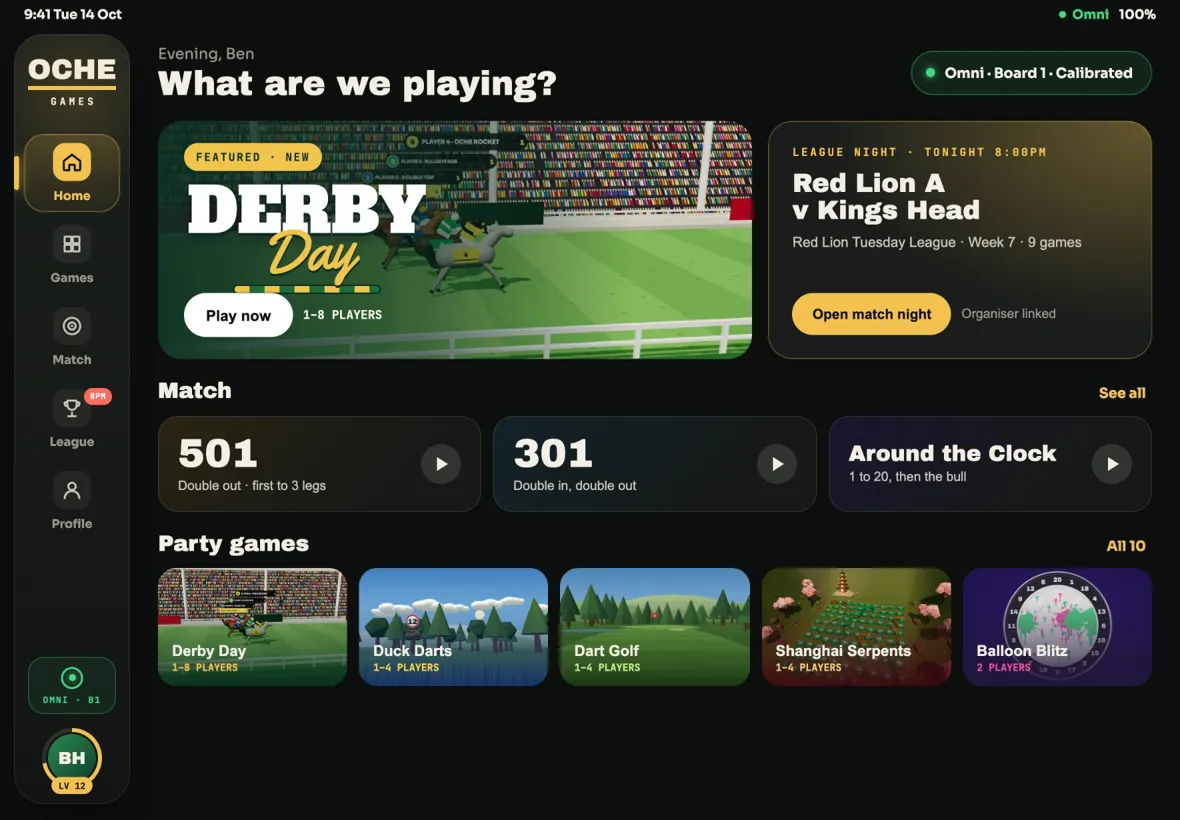
Why your Scolia stops when the internet does.
Scolia’s processing unit talks to Scolia’s servers. Its own manual says the unit “requires wired internet connection to operate”, and Scolia recommends a LAN cable for the most reliable link. The app runs in your browser. That’s great for online lobbies and tournaments, and less great in a garden bar with one bar of Wi-Fi.
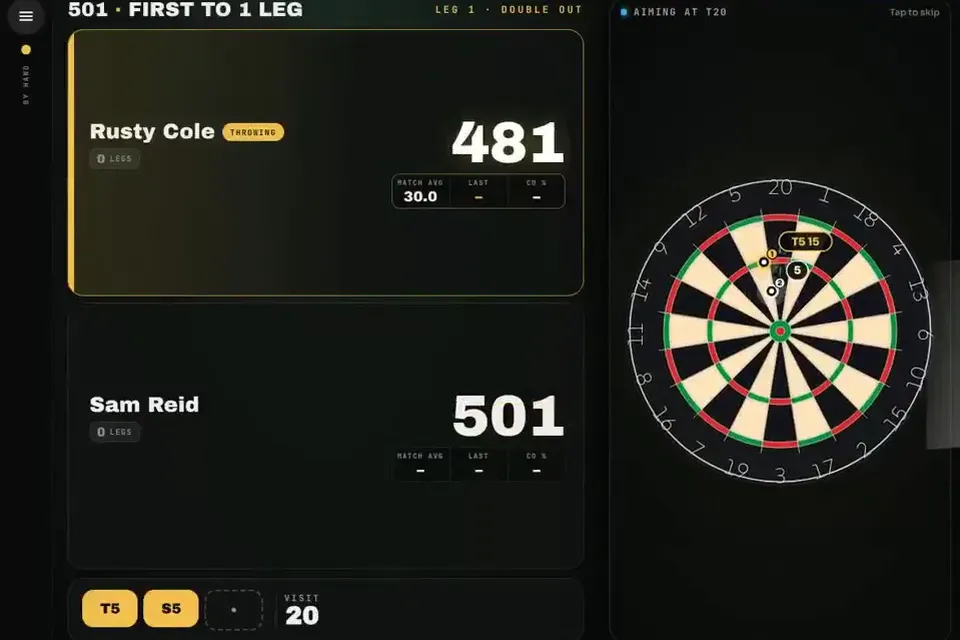 Still scoringOCHE offline mode on your board’s own SD card
Set up once. Play for good.
Still under the maker’s warranty? Check its terms before you open the board.
Internet’s down.
Darts isn’t.
- Keep playing and scoring when the internet drops
- No new SD card: OCHE uses the one your board already has
- Online play needs a connection, obviously
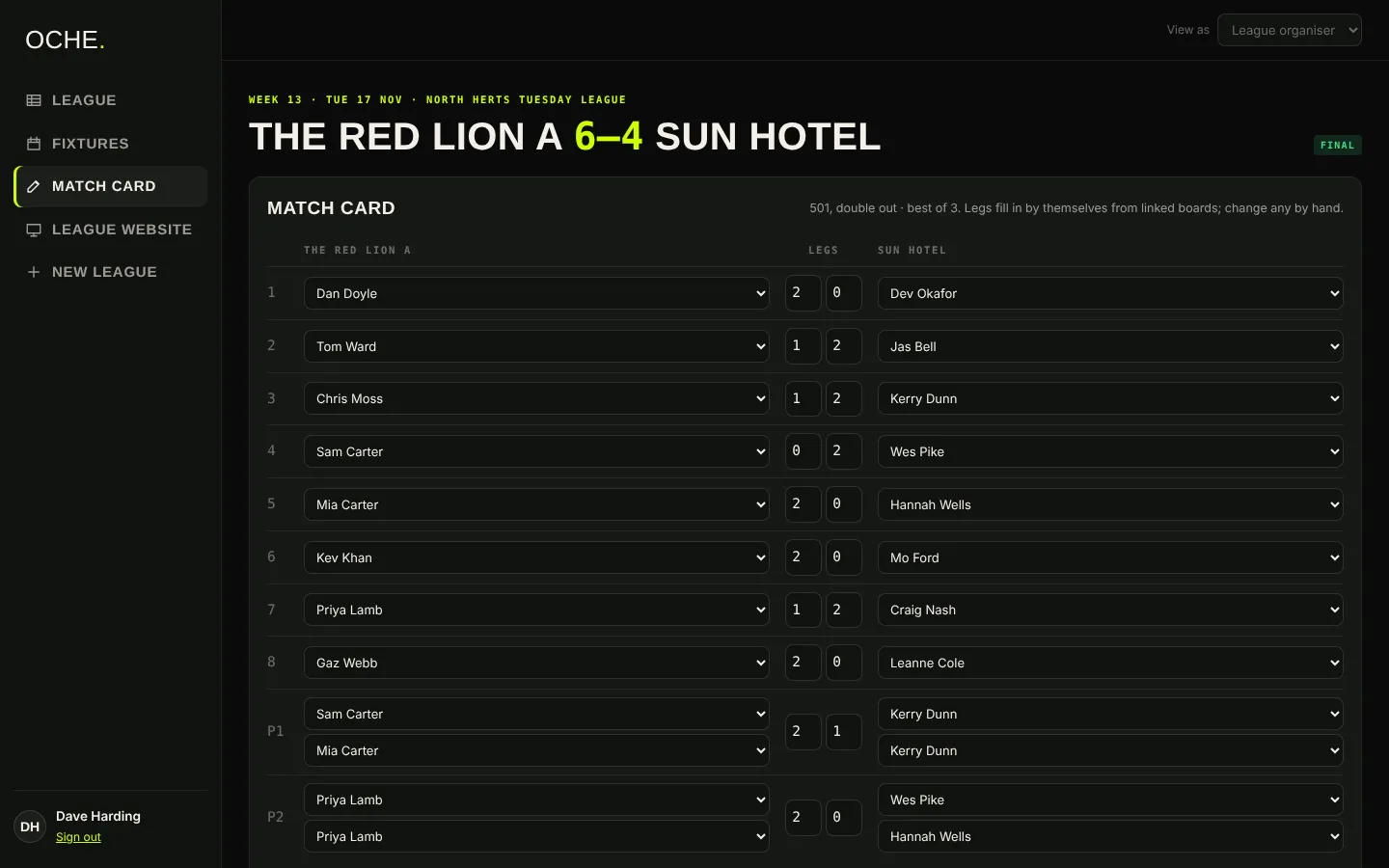
More from
your Scolia.
- Offline mode: play without the internet
- 30+ games on top of real 501
- Training stats that follow you to any board
- Play anyone: Omni, SEER, phone camera or voice
- Leagues and Pub to Pro included
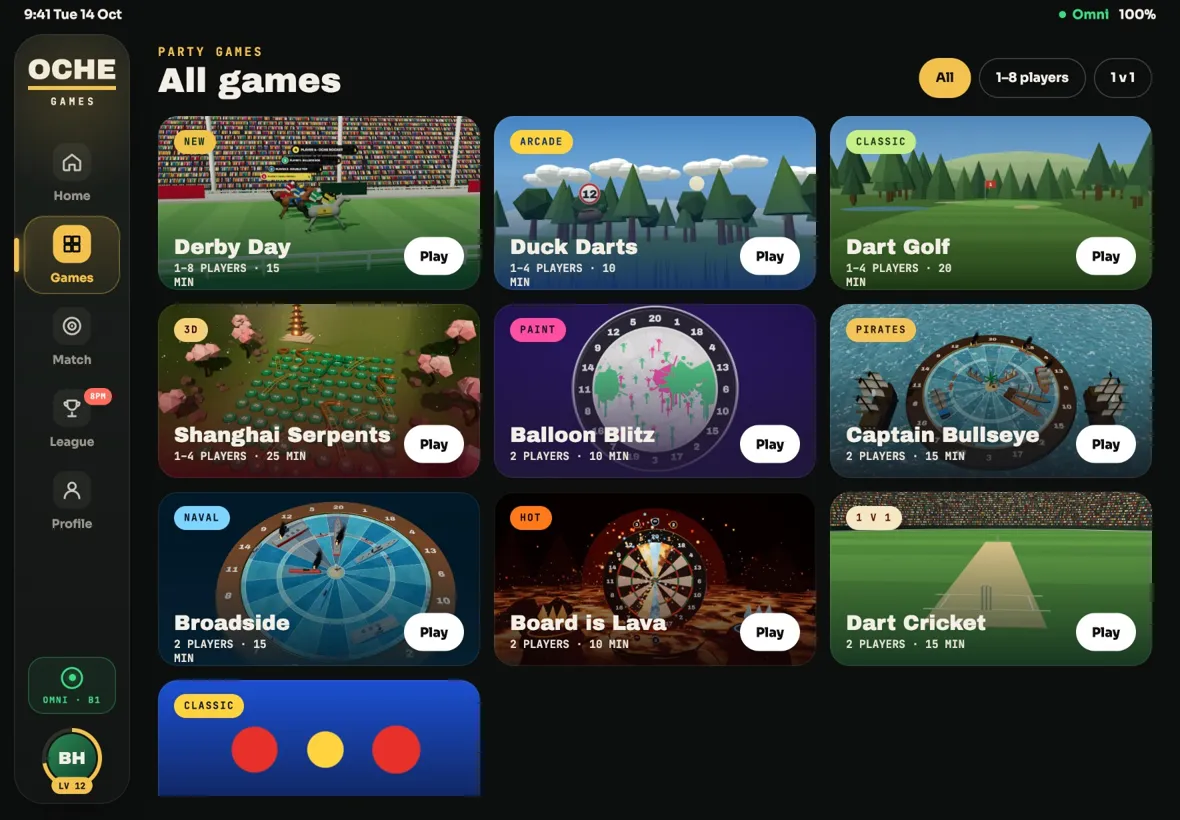
Scolia not connecting? Try these first.
Use a cable if you can
Scolia recommends LAN. A powerline adapter helps if the router’s far away.
Home 2 on Wi-Fi?
It has Wi-Fi built in, but performance depends on your network. Older Home and Pro units need a Wi-Fi adapter.
Check it shows online
Look in Scolia’s web app. If the board isn’t online, check the LAN cable first.
Restart in order
Router first, then the Scolia processing unit.
OCHE Games is independent and isn’t affiliated with or endorsed by Scolia. Scolia is a trade mark of its owner.
Sources: Scolia Home user manual · Scolia FAQ · Scolia software
Ready to throw?
Get OCHE on iPhone, iPad, Android, Fire TV or the web. £1.99 a month free during beta, kids play free, and free for coaches and leagues.
Does Scolia work without the internet?
Not on its own. Scolia’s processing unit needs an internet connection, and Scolia recommends a wired connection. With OCHE’s one-time setup, you get an offline mode.
How does OCHE’s offline mode work?
A one-time setup puts the OCHE files onto the SD card your Scolia already has. After that, OCHE can keep scoring when the internet is down.
Do I need a new SD card?
No. OCHE uses the SD card your board already has.
Do I have to open my Scolia?
Once, to reach the SD card. We walk you through it. If your board is still under the maker’s warranty, check its terms before you open it.
Does SEER have offline mode too?
Yes. SEER gets the same one-time setup and offline mode. OCHE on SEER.
How much is it?
£1.99 a month free during beta for players, with every game. Kids play free.