There are few things more annoying than standing at the oche with three darts in your hand and an app that insists your board isn’t there. The good news: a Target Omni that “won’t connect” is almost never broken. It’s nearly always the network between the board and your phone, and it’s nearly always a two-minute fix.
Here are the seven things to try, in the order that clears the most problems first. Work down the list and stop when it connects.
First, the 30-second checks
Before anything clever, rule out the obvious:
- Is the Omni powered and lit? The LED ring should be on. No light, no connection.
- Is it actually on your Wi-Fi? The Omni joins a network during setup; if your router was swapped or the password changed, it’s now talking to nothing.
- Is the right app open? Only run one scoring app at a time. If DartCounter and OCHE are both open, close one so they’re not both trying to grab the board.
Seven fixes, in order
1. Put the board and your device on the same Wi-Fi
This is the big one. Your phone, tablet or Fire TV has to be on the same network as the Omni. The usual culprits are a guest network, a Wi-Fi extender with a different name (like “BT-Hub” and “BT-Hub-EXT”), or your phone quietly hopping onto 4G. Check the network name on your device matches the one the Omni was set up on.
2. Power-cycle, in the right order
Turn it all off and on again, but order matters. Turn off the Omni, then your router. Wait a full minute. Bring the router back first and let it settle for two minutes, then switch the Omni back on. Starting the board before the router is ready is a common reason it comes up with no connection.
3. Update the app and the board firmware
An out-of-date app or an old firmware causes connection drop-outs. Update the app from your app store, then check for a board update. Omni firmware v1.1.0 added a Sensitivity setting and, handily, a Repair option that re-runs a failed update (DartCounter release notes). If an earlier update stalled, Repair is often the fix.
4. Re-pair the board from scratch
If it still won’t show up, take it back to setup. The Omni is set up through DartCounter: Smart Devices → Add Device → Target Omni, following the blue hotspot light while it pairs (DartCounter’s setup guide). Remove the board and add it again so it re-learns your current Wi-Fi. This clears the problem after a router change nine times out of ten.
5. Move the router or the board closer
Thick walls, a garage, or a board at the far end of the house can leave the Omni on the very edge of your Wi-Fi. If the signal bars on a phone standing where the board is look weak, that’s your answer. A cheap mesh node or moving the router helps more than anything you can do in the app.
6. Fix the light and reflections
If the board connects but misreads darts rather than failing outright, that’s a camera problem, not a network one. Strong sunlight, a shiny surround or a mirror opposite the board can confuse any camera system. Even at their best, camera scorers misread a few darts in every thousand, mostly when darts are bunched together (Dartshopper). Even out the lighting and give the surround a wipe.
7. Check it isn’t a subscription wall, not a fault
Sometimes the board is fine and a feature has simply locked. The Omni box includes a three-month DartCounter trial (John Lewis); when that ends, some things move onto a paid plan. If scoring works but a mode won’t open, you’re looking at a subscription prompt, not a connection fault.
A two-minute checklist
| Symptom | Most likely cause | Fix |
|---|---|---|
| App can’t find the board at all | Different Wi-Fi network | Fixes 1 and 4 |
| Connects, then drops out | Weak signal or old firmware | Fixes 3 and 5 |
| Scores the wrong number | Light, reflections, bunched darts | Fix 6 |
| Everything worked, now nothing | Router or password changed | Fix 4, re-pair |
| A mode won’t open | Trial ended | Fix 7 |
Still nothing? Try a different app
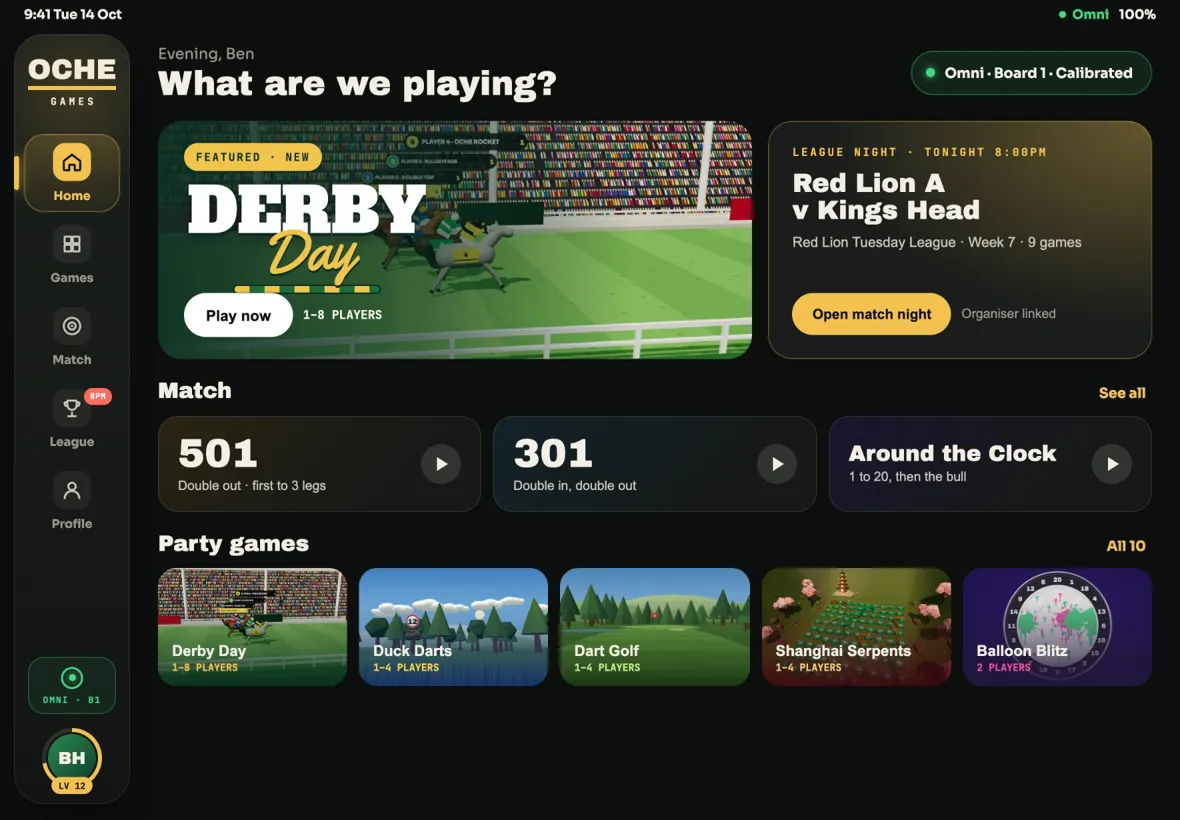
Here’s a tidy way to tell whether it’s the board or the software: connect with a second app. The Omni talks to more than the app it ships with. OCHE Games connects to the same Omni over your home Wi-Fi, with no opening the board and no extra hardware, so if OCHE finds the board when DartCounter won’t (or the other way round), you know the board and your network are fine and it’s the app that needs a reinstall.
- Download OCHE GamesOn your phone, tablet or Fire TV. It runs on iPhone, iPad, Android, desktop and Fire TV.
- Same Wi-FiMake sure your Omni is on the same Wi-Fi network as the device running OCHE.
- Connect boardTap Connect board and choose Omni. Nothing to open up, nothing to install on the board.
- ThrowPick a game and throw. Your darts are the controller.
Once it’s connected, here’s what to play
With the board back online, it’s a good moment to get more out of it than 501. OCHE gives your Omni over 30 interactive games for families, friends and the pub, from Dart Golf with real yardages to a race night and a full career mode, all scored by the board. Start with the best Target Omni games, or the Target Arcade games list and 30 more.
Quick answers
Why does my Target Omni keep disconnecting?
Almost always a weak or wrong Wi-Fi signal, or an out-of-date firmware. Put the board and your device on the same network, update both, and if drop-outs continue, improve the Wi-Fi where the board hangs.
Do I need to open my Omni to reconnect it?
No. The Omni connects over Wi-Fi only. There’s never any need to open the board or add hardware to get it talking to an app again.
Can I use my Omni without DartCounter?
Yes. You set the board up in DartCounter, but you can then score with OCHE Games over the same Wi-Fi for 30+ games, training and leagues. More in does Target Omni work with other apps?
Which devices does OCHE run on?
iPhone, iPad, Android, desktop and Fire TV. A popular setup is scoring on a phone by the board with the game on the TV.